



Create a personalized exlibris (bookplate) to print
With this generator you can create a personalized exlibris to mark your books. Choose a design, add your name, and get an A4 sheet with four bookplates ready to print on standard paper or adhesive label paper.
Step 1: Choose a design for your exlibris
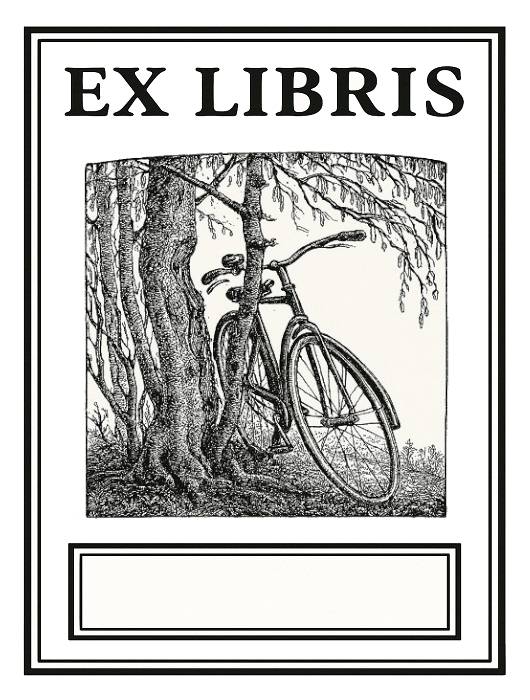 General theme
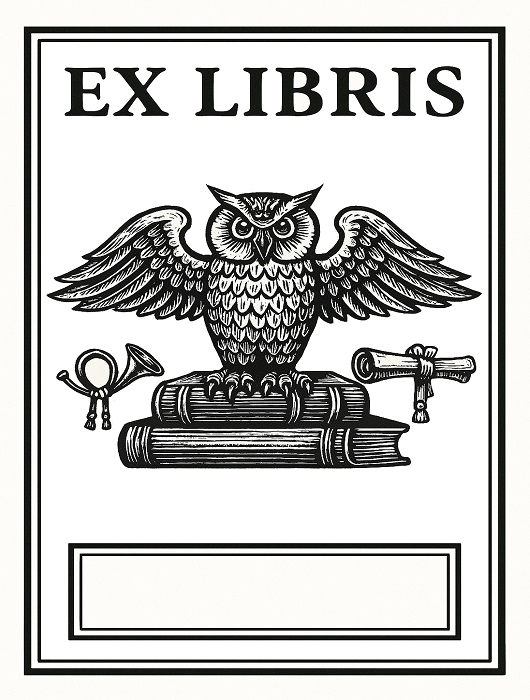
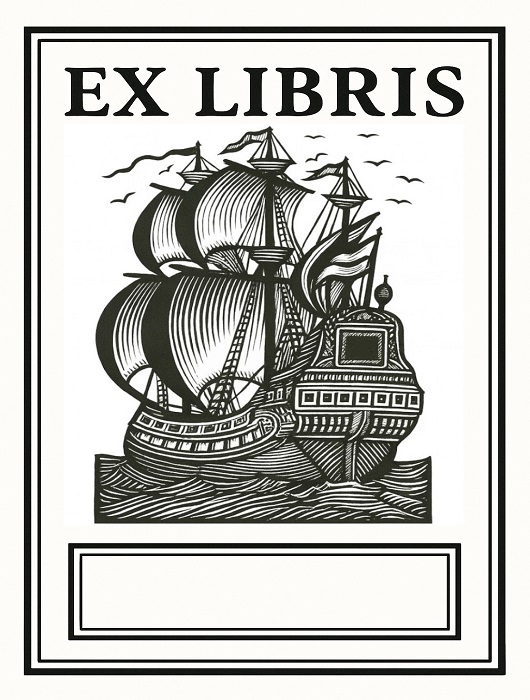
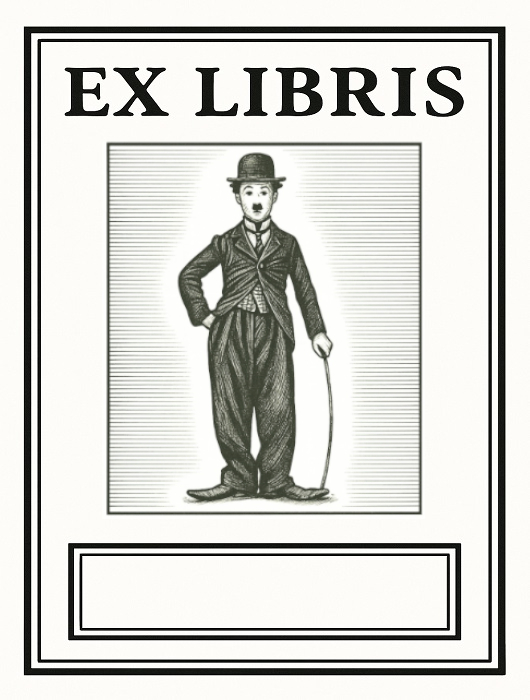
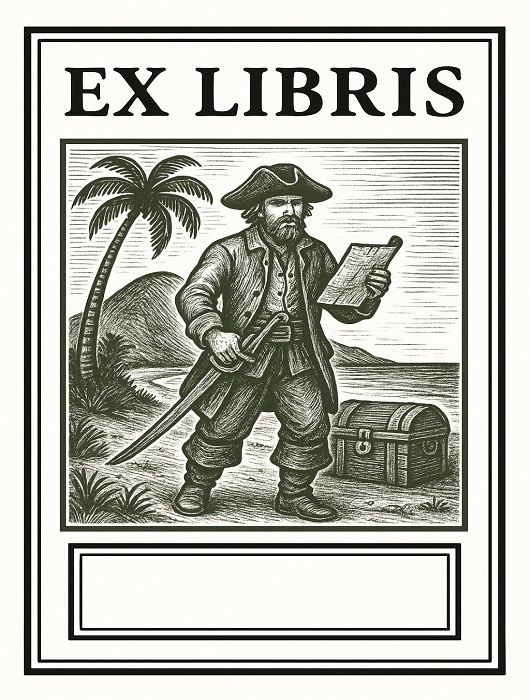
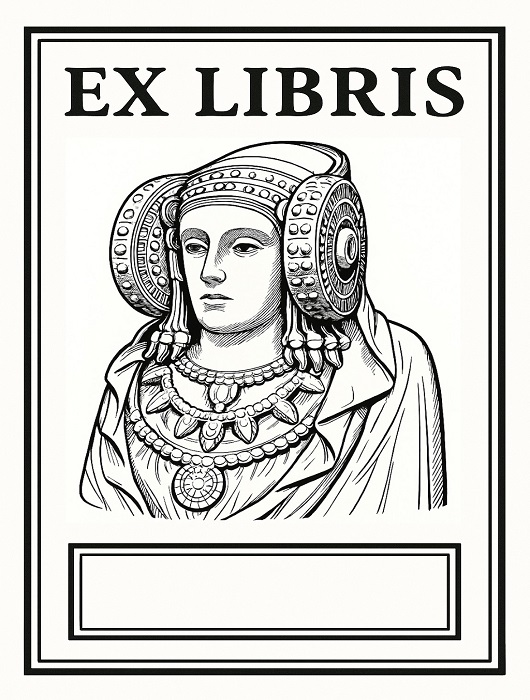
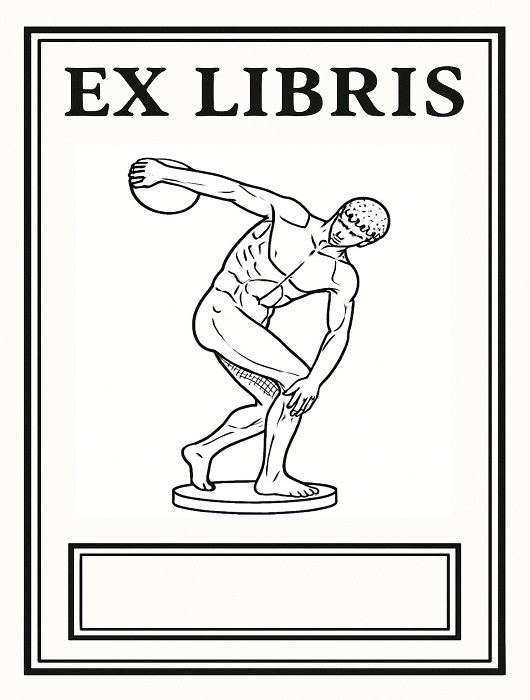
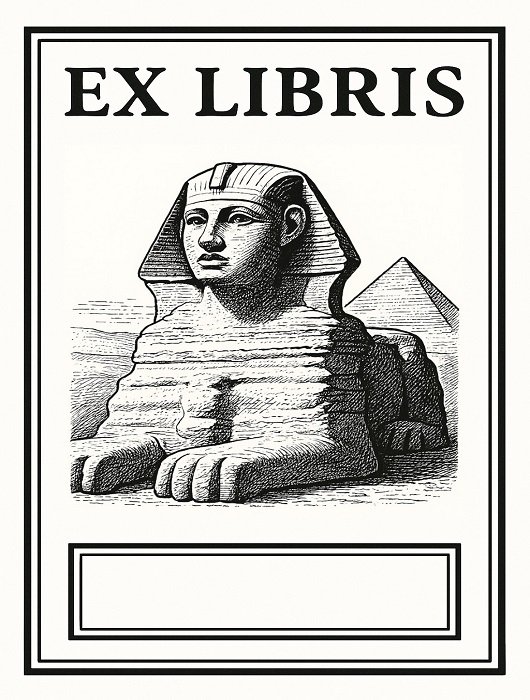

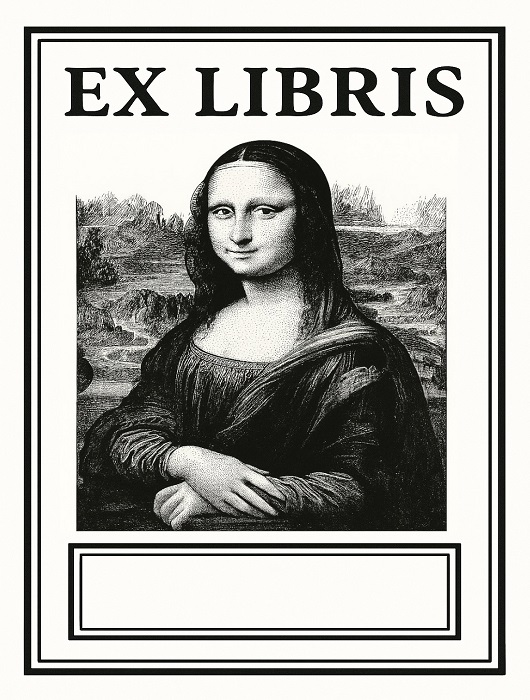
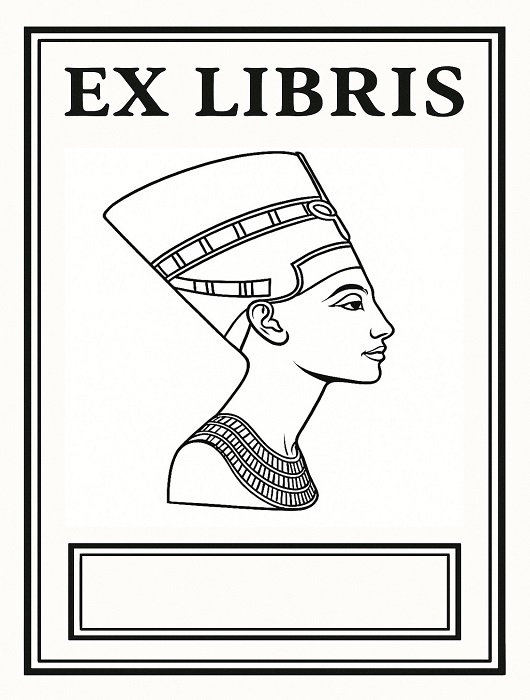
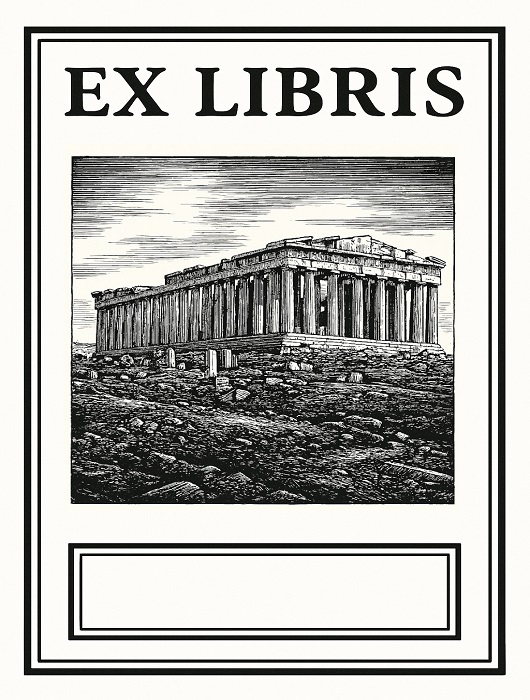
 Writers
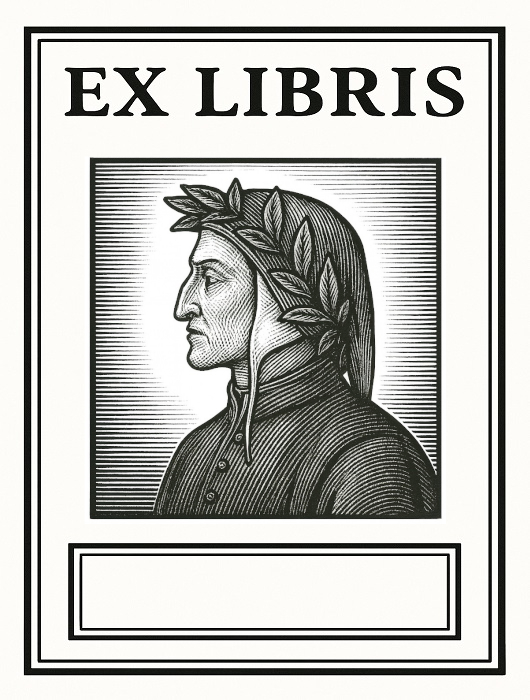
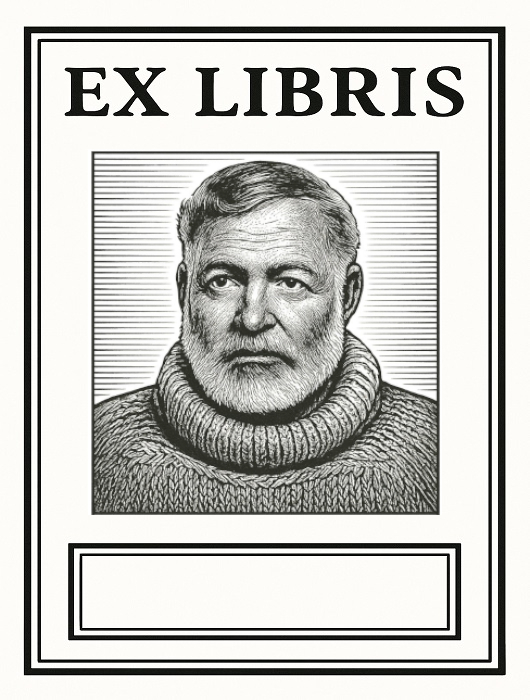
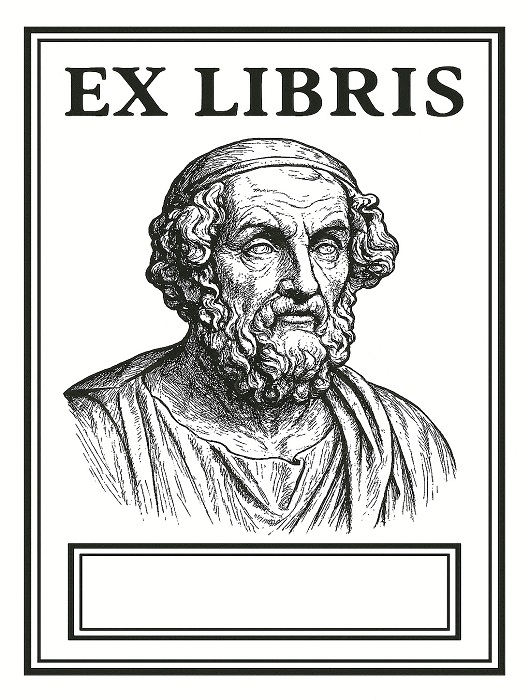


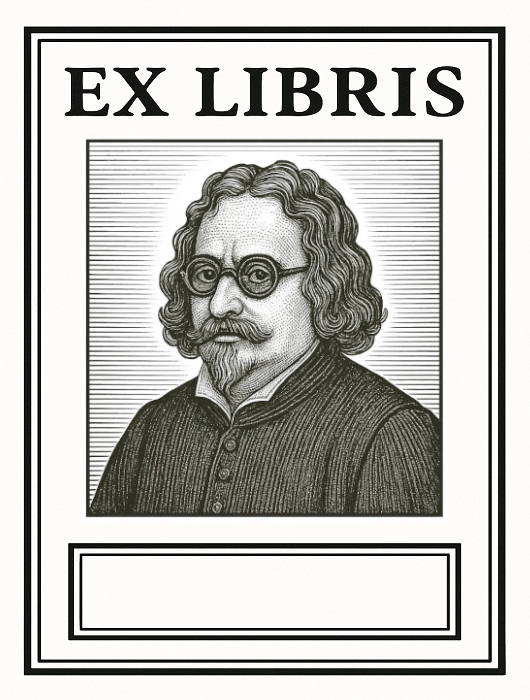
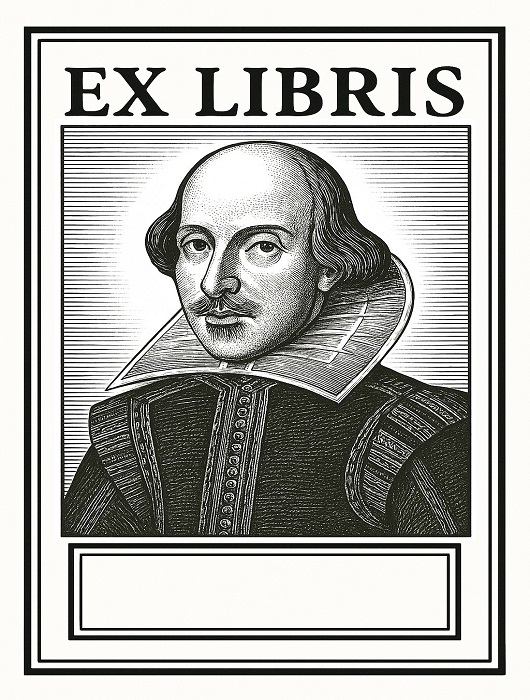
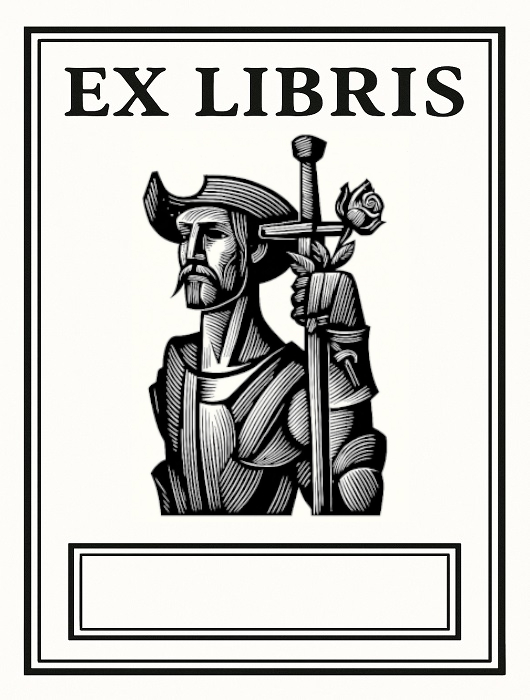 Don Quixote theme
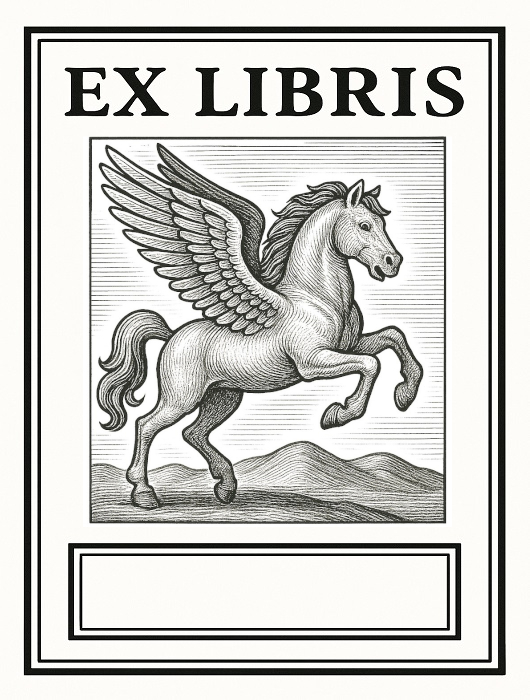 Mythology
 Places and monuments
Step 2: Add your name
Enter the name that will appear on your exlibris (max 26 characters):
Preview:
Step 3: Print preview
This is how your A4 sheet with four exlibris will look:
Ready to print!
Your sheet with four exlibris is being prepared for printing. Make sure your printer has A4 paper and is set to portrait orientation.
If printing doesn’t start automatically, use your browser’s print button (Ctrl+P or Cmd+P).
Important: In the print dialog, select “Margins: None” to avoid borders on the sheet.
Printable & personalized exlibris (bookplates)
On this page you can create free printable exlibris quickly and easily. The generator lets you pick a classic design, add your name, and generate an A4 sheet with four printable ex libris bookplates.
Personalized bookplates are an elegant way to mark books in a personal library. Readers and collectors use these small labels to show ownership and add a distinctive touch to their books.
If you’re looking for free printable bookplates, this generator helps you create ready-to-cut labels you can stick inside the front cover or first blank page of your books.
Printable exlibris FAQ
What is an exlibris?
An exlibris (bookplate) is a small label or illustration placed inside a book to indicate its owner. Traditionally it includes the Latin phrase ex libris (“from the books of”) followed by the owner’s name.
How can I print an exlibris at home?
You only need a home printer and A4 paper. With the generator on this page you can create a sheet with four exlibris ready to print, cut out, and stick into your books.
What paper is best for printing bookplates?
You can use standard paper if you plan to glue them in. You can also use A4 adhesive label paper to create stickers you can apply directly inside books.
Where do you place an exlibris in a book?
The traditional location is the inside cover (endpaper) or the first blank page, so it’s visible when the book is opened and clearly identifies the owner.
Can I create a personalized exlibris?
Yes. Choose a design, add your name, and generate a personalized exlibris ready to print—an easy way to mark your library with a distinctive signature.
What are exlibris used for?
They identify book ownership. Beyond the practical purpose, exlibris also have artistic and collectible value, as many are designed as miniature works of graphic art.